
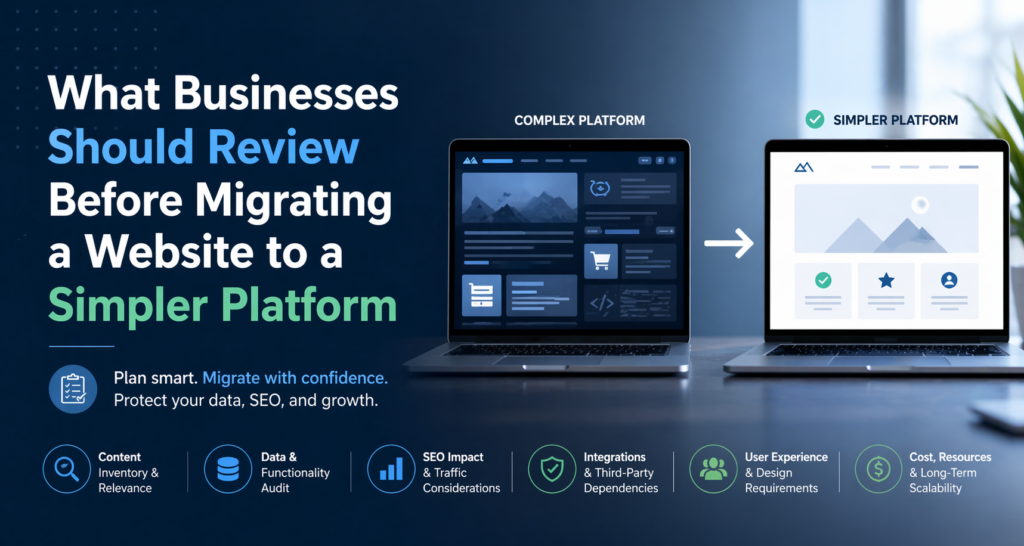
A website migration usually starts with a practical problem, not a technical one. The current setup becomes harder to manage than it should be. Content updates take too long, new pages are slower to launch, small edits depend on outside help, and the site begins to feel like something the business works around instead of a tool that supports growth.
That is often when companies begin thinking about a simpler platform. But before making that move, it helps to review the website as part of the business workflow, not just as a collection of pages.
Start by reviewing what content still matters
The first thing a business should review is its content. That includes service pages, landing pages, blog posts, case studies, evergreen resources, and any other materials that still support visibility, trust, or lead generation.
A migration is the right moment to stop treating every page as equally valuable. Some content still brings useful traffic or supports conversion. Other pages may be outdated, duplicated, thin, or no longer aligned with the business. If everything is moved without review, old clutter is simply transferred into a new environment.
This is why content review matters so much before any rebuild or migration. HubSpot’s guidance on website content writing emphasizes that web content should be built to rank, engage, and convert, which makes it a useful reminder that migration should preserve content with real business value rather than carry over everything by default.
Identify which pages support traffic and which support conversion
Not every important page is obvious. Some pages may not look central internally, but still play a meaningful role in discovery, credibility, or lead flow. Before migrating, businesses should identify which pages attract traffic, which pages assist conversions, and which pages often appear before a quote request, contact form submission, or purchase decision.
This helps prevent a common mistake: removing or downgrading pages that seem minor but are still doing useful work. A page can support the business even if it is not the most visually prominent page on the site.
Review forms, calls to action, and lead paths
A website is not only a content system. It is also a lead system. Before migration, businesses should look closely at contact forms, quote requests, consultation requests, sign-up flows, downloadable assets, and any other path that turns a visitor into a lead.
The key question is not only whether these elements exist, but whether they are still working well. Are forms longer than they need to be? Are calls to action placed clearly? Are there pages with traffic but no meaningful next step? A simpler platform should be an opportunity to improve these paths, not just recreate them.
Review what should happen to old URLs
If the site structure changes during migration, redirects become important. Pages may be renamed, consolidated, removed, or reorganized. If that happens without a redirect plan, users and search engines can end up reaching dead ends.
That does not mean every technical detail has to be solved immediately, but URL handling should be part of the migration review from the beginning. If an old page still has value, it needs a clear destination.
Keep only the analytics that support real decisions
A move to a simpler platform is also a good time to review analytics. Many businesses carry more tracking than they actually use. Before migrating, it helps to identify which tools, events, and reports still matter to the business and which ones only add clutter.
The goal is not to remove measurement. It is to preserve useful visibility while avoiding unnecessary complexity. A simpler platform should still support the business’s ability to understand traffic, leads, and page performance.
Clarify what “simpler” is supposed to solve
A business should also be clear about why it wants a simpler platform in the first place. Is the main issue easier editing? Faster landing page creation? Less maintenance overhead? Lower dependence on plugins? A workflow the marketing team can manage more directly?
The clearer that answer is, the better the migration plan will be. Without that clarity, companies often move platforms but recreate the same friction in a new environment.
Use support that fits the actual migration
If the company is moving away from WordPress specifically because the current setup has become more demanding than useful, it helps to work with a service focused on that transition. Services like WordPresstoWix.pro are relevant in that situation because they are centered on moving content and structure from WordPress into a simpler Wix-based environment rather than treating migration as a generic rebuild.
That kind of support is especially useful when the goal is not to reinvent the site from scratch, but to preserve important content and business value while making ongoing management easier.
Final thoughts
Migrating to a simpler platform can be a smart decision, but only if the right review happens first. Content quality, traffic value, lead paths, redirects, analytics, and workflow fit all matter more than the platform change alone.
The businesses that handle migration well usually do not begin with design preferences. They begin by identifying what still works, what creates friction, and what the new setup needs to make easier. Once that becomes clear, the migration stops being just a technical task and becomes a better business decision.